You have a fast internet plan, but the video call still freezes in the spare bedroom. The TV streams smoothly in the lounge, while a programme buffers at the other end of the house. Stand beside the router and everything seems fine.
If that sounds familiar, your internet connection may be doing its job. The difficulty could be getting a reliable Wi-Fi signal to the places where you need it.
In many homes, one router is expected to serve every room, every device and sometimes an outdoor area too. That can become frustrating when people work from home, stream entertainment and use connected devices throughout the property. The good news is that you do not always need a faster internet plan. First, you need to understand where the connection is slowing down.
Internet speed and Wi-Fi coverage are different things
Your internet service brings a connection into your home. Your Wi-Fi network distributes that connection wirelessly to phones, laptops, TVs and other devices. A fast connection at the point where it enters the house does not guarantee a strong signal in every room.
Think of the router’s location. It may sit near the fibre connection in a garage, at one end of the house or inside a cupboard. A laptop used a few rooms away has to connect through distance and obstacles. Even if the internet plan is adequate, that laptop may have a poor experience because the Wi-Fi signal reaching it is weak.
This distinction matters before you spend money. Upgrading your plan may help if your connection cannot support what the household is doing. It is less likely to solve a room that receives little Wi-Fi signal in the first place.
Start by finding the pattern
Before changing equipment, note exactly where and when the problem happens. Is one bedroom consistently affected? Does the connection weaken when you move outdoors? Does streaming become unreliable only when several people are online?
Try using the same device close to the router and then in the problem area. You can also run speed tests in both locations at roughly the same time. A large difference suggests that coverage or the home network may be involved. If performance is poor even next to the router, the issue may be with the connection, the router or a temporary service fault.
Keep the test practical. Record what you were doing, where you were standing and whether other devices were active. One test will not diagnose everything, but a pattern makes it much easier to choose the right fix.
Why does Wi-Fi work in one room but not another?The router is in the wrong place for the home
Router placement has a considerable effect on coverage. A device placed at one far end of a property must reach much further to serve the opposite end. A router hidden behind furniture or stored in a cabinet can also struggle to distribute its signal effectively.
A more central, open location may improve coverage. However, the best position depends on the home’s layout and where people actually need a reliable connection. A central hallway might cover bedrooms well but do little for a separate home office or an outdoor entertaining space.
Moving the router is not always straightforward because it connects to other equipment. That is where planning the network around the home, rather than relying on the default installation position, can help.
Walls, floors and layout affect the signal
Wi-Fi must travel through the physical structure of your home. Rooms on another floor, spaces behind several walls and areas in a separate wing can be harder to reach. Garages, sleepouts and outdoor areas present their own challenges.
The location of the problem tells you something useful. If the signal drops every time you enter one part of the house, coverage is a likely place to investigate. If the signal looks strong but an application still performs poorly, another part of the connection may be responsible.
More devices depend on the network
A home network may serve far more than a couple of laptops. Phones, smart TVs, streaming devices, cameras, speakers and other connected equipment may all rely on it. Some use very little data most of the time; others place heavier demands on the connection.
The key question is not simply how many devices you own. It is how the household uses them at the same time. A video meeting, online gaming session and several streams create a different workload from a few phones checking messages.
If the network becomes unreliable during busy periods, look at both the internet plan and the equipment distributing the connection. Either could be part of the problem.
The issue may be on one device
If everyone else has a good connection in the same room, check the affected device before redesigning the network. Try restarting it, checking for updates and testing whether it performs differently elsewhere in the house.
You may also find that one particular service is slow while other websites and apps work well. That does not automatically point to a home Wi-Fi fault. Comparing devices, rooms and activities helps prevent an unnecessary equipment purchase.
Should you use a Wi-Fi extender, mesh system or wired access points?
These options can all improve coverage, but they suit different situations.
A Wi-Fi extender may be useful for a small, specific gap in coverage. Its placement matters: it needs a dependable connection to the main network before it can help devices further away. Putting one inside a dead zone may simply repeat a poor connection.
A mesh system uses multiple units to provide Wi-Fi across a wider area. It can suit some homes where one router cannot provide consistent coverage. The units still need thoughtful placement, and the results depend on how effectively they communicate with each other.
A wired access point connects back to the home network using cabling and provides Wi-Fi from another location. This can be a strong option when dependable coverage matters in a distant room or across a larger property. It requires suitable cabling or a plan to install it.
There is no single best choice for every Hamilton home. A compact house with one difficult bedroom has different needs from a two-storey property with a home office, multiple TVs and security cameras. The most useful solution addresses the layout and the way people use each space.
When is a wired connection worth considering?
Wi-Fi is convenient, but some equipment stays in one place. A desktop computer, TV, gaming console or home entertainment system may benefit from a wired network connection if cabling is practical.
Connecting fixed devices by cable can give them a more consistent connection and reduce their reliance on Wi-Fi. It does not replace wireless coverage for phones and laptops, but it can form part of a better home network overall.
This is particularly worth thinking about when building or renovating. Planning data points while walls are accessible can give you more options later. Consider where you might place a desk, TV, camera system or wireless access point, even if you do not need every connection immediately.
Harmony Tech provides home connectivity and smart wiring services in Hamilton, including Wi-Fi, networking and data cabling. Planning these elements together can help the finished system suit the property rather than leaving each new device to solve its own connection problem.
What if the Wi-Fi problem affects your TV or home theatre?
Buffering during a film is easy to blame on the streaming service. Sometimes the issue is the network connection reaching the TV or streaming device, especially if it sits far from the router.
Start with a simple comparison. Does streaming work reliably on another device closer to the router? Does the TV have problems at particular times, or whenever it is used? Are other online activities affected in the same part of the house?
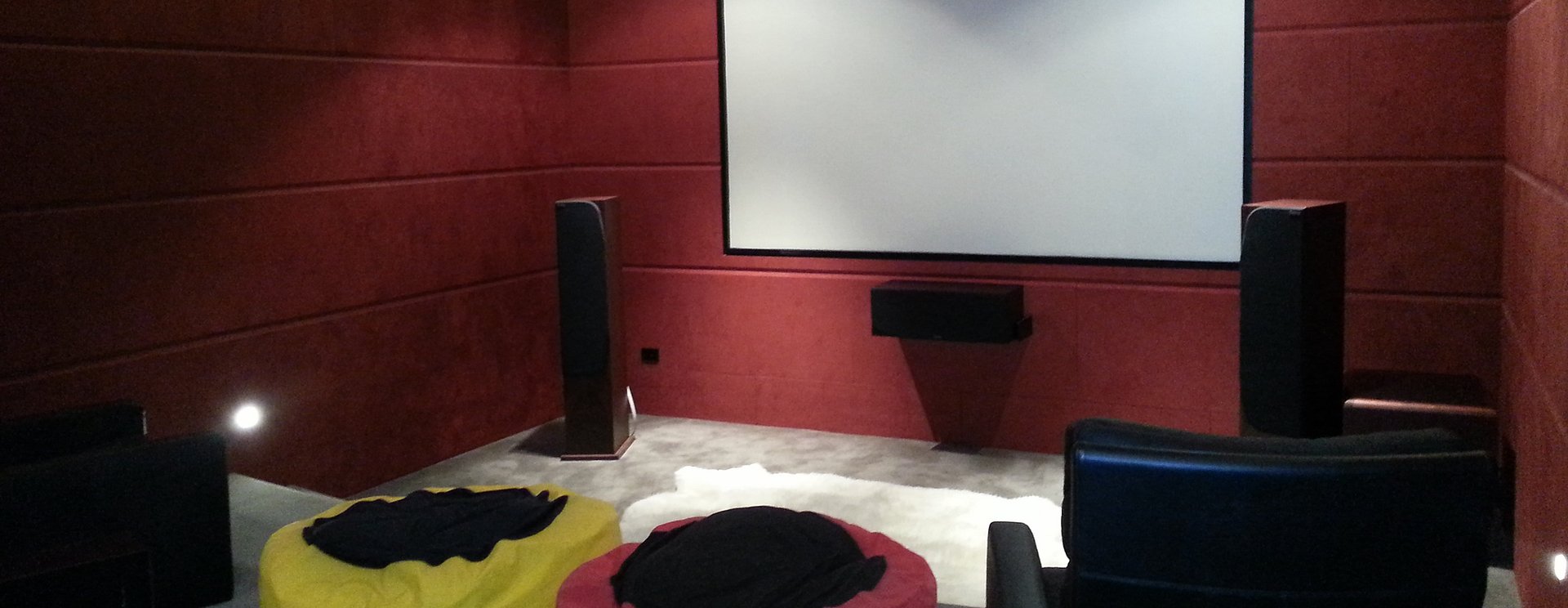
Home entertainment works best when the screen, sound system and network are considered together. A well-chosen TV and audio system can still be frustrating if the content cannot reach it reliably. Harmony Tech works with homeowners on home theatre systems as well as home networking, so the setup can be planned around how the room will actually be used.
A practical checklist before buying new equipment
If your Wi-Fi is slow in certain rooms, work through these questions first:
Where does it fail? Identify the rooms or outdoor areas with unreliable coverage.
When does it fail? Note whether problems happen all day or mainly during busy periods.
Which devices are affected? Test more than one device in the same location.
How does it perform near the router? This helps separate a possible coverage issue from a wider connection problem.
Where is the router located? Check whether furniture, cabinets or the property layout could be limiting coverage.
What needs the most reliable connection? Prioritise workspaces, TVs and other equipment you depend on every day.
Are you renovating or building? Consider network cabling and access point locations while you still have flexibility.
You do not need to diagnose every technical detail yourself. These observations give a networking specialist a useful starting point and help you explain what a successful setup would look like.
Build a network around the way you live
Reliable home Wi-Fi is about more than getting a strong signal beside the router. It means being able to take a work call where you work, stream a programme where you relax and use connected devices where they belong.
For some Hamilton households, a change in router placement may make a meaningful difference. Others may need additional Wi-Fi coverage, better network equipment or wired connections in key areas. The right approach starts with the home’s layout and the activities the network needs to support.
If you are tired of moving around the house to find a dependable connection, contact Harmony Tech to discuss your Wi-Fi and home networking needs. The team can review what you have, where the problems occur and what setup would make your home easier to use every day.

